
April 4, 2026
Follow the failure past the Rails exception
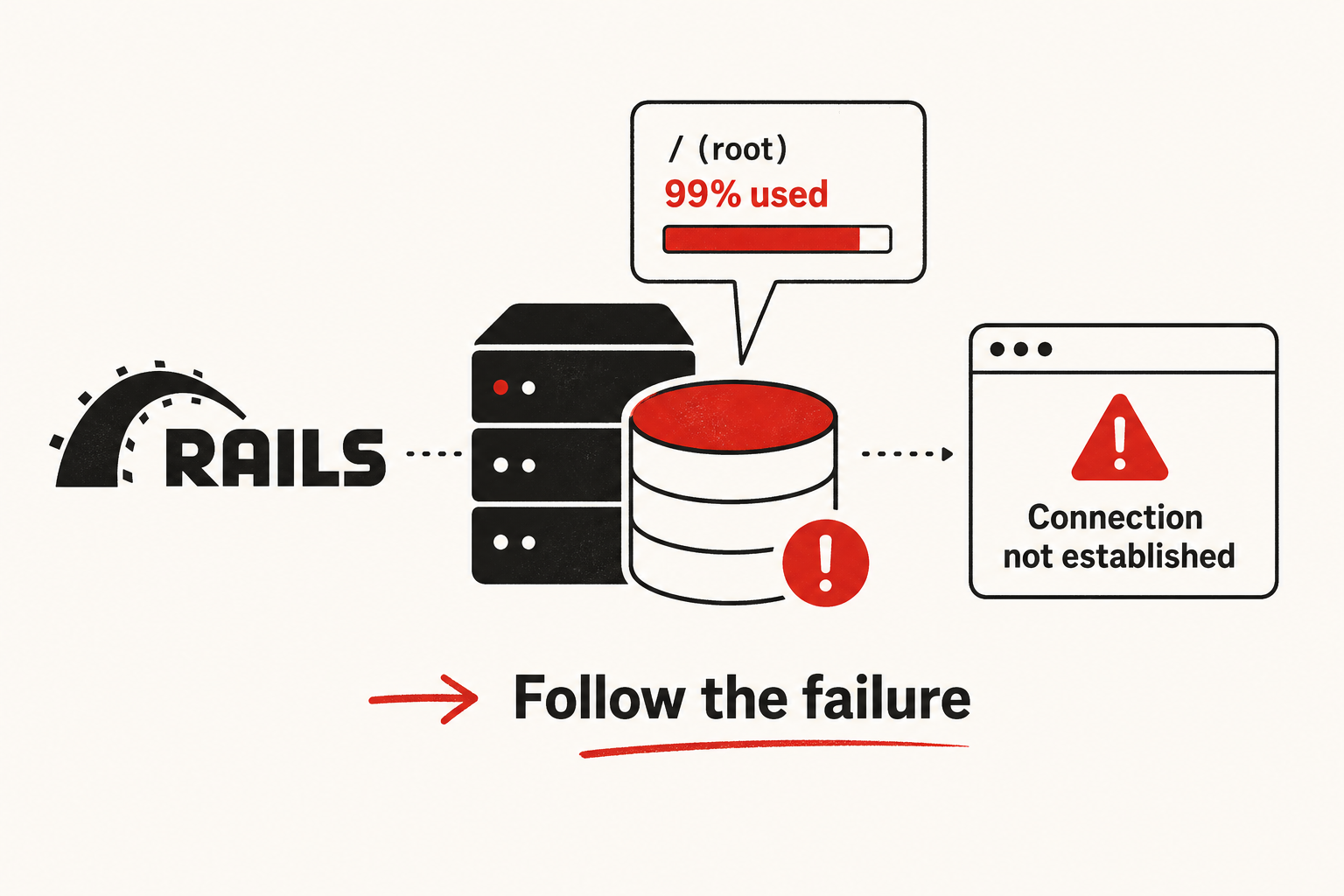
I rarely start a sudden ActiveRecord::ConnectionNotEstablished with database.yml.
I start with:
- What’s the purpose of this check — restore service without making things worse?
- Was the app healthy before this?
- What changed on the host, not in the app config?
- What else fails when the disk is full?
A normal connection error is often a bad host, password, or pool setting. This case looked different: the timekeeping app had been working, nobody had changed the database config, and the error showed up on a routine page. Same app, same settings, new failure. So I treated the exception as a clue, not as proof that Rails “forgot” how to connect.
Context
The easy path
Fix the connection string.
Why I looked elsewhere
- The app had been serving pages and syncing.
database.ymlhad not changed.- App, PostgreSQL, and
good_jobshared one host. - Job history and logs grow over time — disk pressure was plausible.
How I look at the system
Rails shows the last hop it can see:
logs + job history grow
        →  disk fills
        →  PostgreSQL cannot operate well
        →  ConnectionNotEstablished on the page
The message says “connection.” The system problem is often capacity.
What I proposed
Measure disk. Free only what is safe. Restart PostgreSQL. Clear succeeded job history if space is still tight. Leave discarded jobs alone without approval. Then fix the conditions that caused the fill.
df -h
sudo du -xh / | sort -hr | head -30
Order that worked
- Clear application logs first — usually safe, short-lived, and often enough.
- Re-check disk after each step — so you know what actually helped.
- Restart PostgreSQL only after there is free space — a restart into a full disk does not help.
- Clear succeeded
good_jobrows if needed — success history is rarely worth an outage. - Keep discarded rows by default — they explain syncs that never reached the central attendance system.
Why that order
Context → capacity → safe cleanup → service health. Not restart-and-hope.
What I refused to do
Incidents push people toward panic deletes and big rebuilds. I push back.
- Do not delete everything
dulists — most of it is not disposable. - Do not wipe discarded jobs for space without sign-off — you lose the trail for failed syncs.
- Do not redesign monitoring in the middle of the outage — restore first, then harden.
- Do not stop at “the page loads again” — without log rotation, disk alerts, job retention, and enough disk, the same outage returns.
After service is back
Keep prevention small and useful:
- logrotate
- disk alert before ~90%
- retention rules for job rows, with approval before deleting discarded ones
- enough disk that this is not a regular fire drill
What “done” means
Not “the error disappeared once.”
- App loads without
ConnectionNotEstablished - PostgreSQL is running
- Disk use is back in a safe range (I use under ~90% as a working line)
good_jobis processing new work- Discarded rows remain unless deletion was approved
- Prevention is named, not left as “later”
When a healthy Rails app suddenly cannot connect, I ask what the host ran out of before I rewrite the DSN — and I do not destroy evidence to look busy.