
March 14, 2026
Prep a CCTV VLAN before the cameras arrive
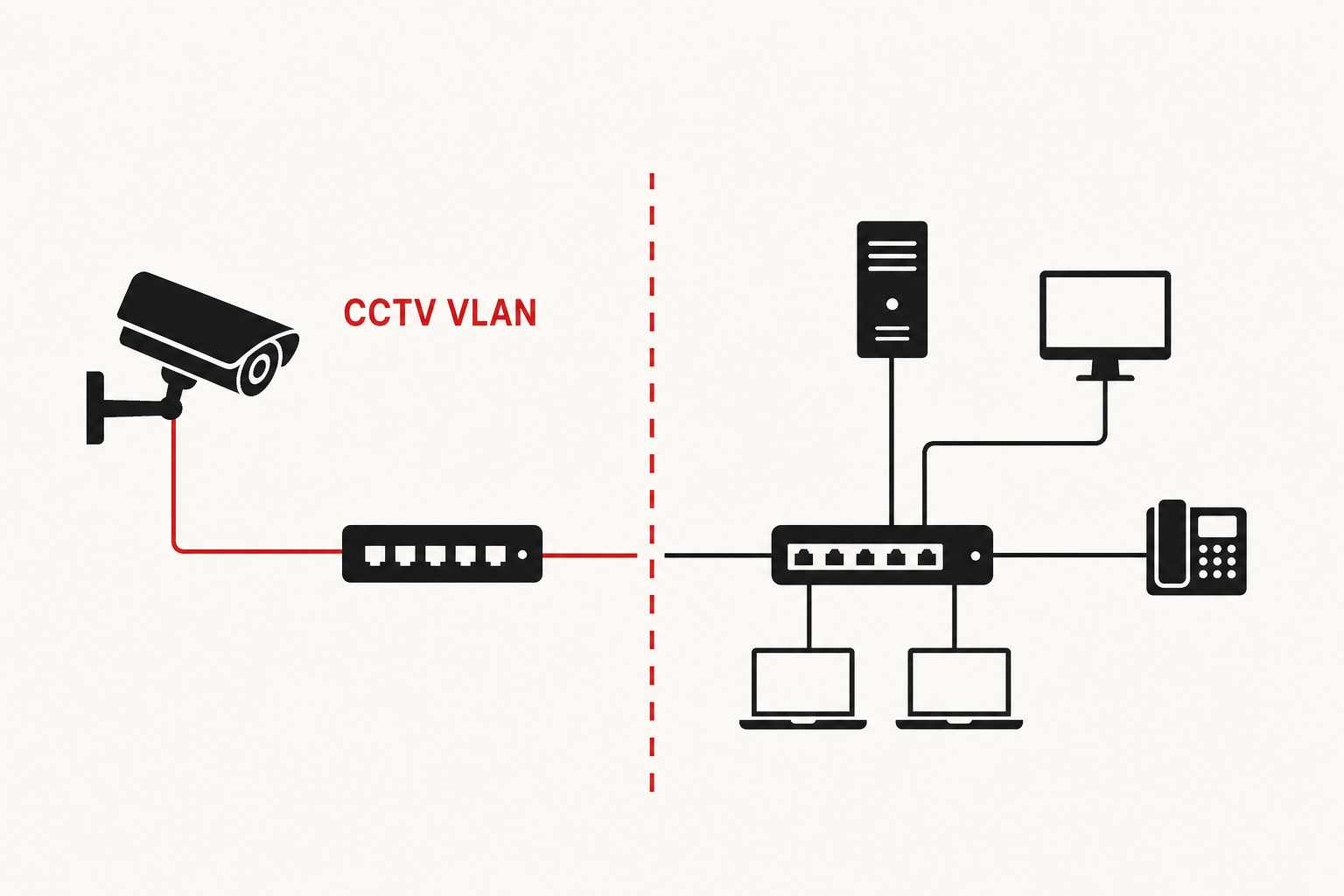
I rarely start camera work with “which VLAN ID?”
I start with:
- What is the purpose?
- What are we protecting?
- What breaks if a camera is compromised?
- How do we keep install day calm for everyone else?
Putting cameras on the office LAN because Ethernet is free looks easy. It usually creates three problems. Cameras are hard to keep patched. Video traffic is noisy. A weak camera sits close to laptops and servers. The operational risk is real. A bad day on the camera side can touch more than CCTV.
Context
The easy path
Plug cameras into the office network and move on.
Why that is not enough
- Cameras share DHCP and broadcast with everyday workstations.
- Policy for “cameras only” is hard to keep clear on a flat LAN.
- If the segment does not exist yet, install day turns into redesign day.
How I look at the system
The request is “add cameras.” The real work is the path around them:
office LAN cameras
        →  shared risk and noise
        →  install day under pressure
I want cameras on their own segment, with a firewall edge we can explain, before anyone hangs hardware.
What I proposed
A dedicated CCTV VLAN, built and tested before cameras arrive.
Example numbers I use to reason (lab-style, not sacred):
VLAN 130
192.168.130.0/24
gateway  .1
DHCP     mid-pool (e.g. .100–.254)
What goes with the VLAN
- VLAN on core and access — so the boundary is real end to end.
- LACP plus trunk on the closet uplink — one bad cable must not kill the path, and many video streams will fill a single 1G link.
- Firewall rules on pfSense (or your edge) — allow recorder paths we mean. Do not open the whole office by default.
- A test client before cameras — prove addressing and policy while nothing production depends on it.
Why not only “tighter rules on the office VLAN”?
A separate VLAN makes intent obvious. Special-casing cameras inside a flat LAN grows into rules nobody wants to own.
What I did not build
I keep this practical. Extra complexity waits for a real need.
- No full zero-trust camera design on day one. VLAN plus clear edge rules are enough to start.
- No deep QoS trees before the path is proven. Tune later if video actually fights for bandwidth.
- No perfect rule set for every future recorder feature. Allow what install needs. Extend when requirements show up.
- I do not skip LACP on the video uplink. That one is capacity and uptime, not decoration.
The bar: smallest design that lowers risk and makes install day boring.
What “done” means
Not “SSH worked once.”
- Test client gets
192.168.130.xand reaches.1 - LACP members are up and carry VLAN 130
- Firewall matches the purpose: recorder paths yes, office LAN by default no
If that is true before cameras arrive, the network work already did its job — clearer control, smaller blast radius, quieter install day.